
December 08, 2025
Imagine you're midway through a grueling five-hour drive to visit family during the holidays, and your daughter asks, "Can I use your work laptop to play Roblox?" This isn't just any laptop—it holds sensitive client files, financial records, and full access to your business. You're drained from packing, still have hours ahead, and honestly, keeping her entertained sounds like a relief. But what risks lie beneath this innocent request?
Holiday travel often opens security gaps that your everyday routine doesn't present. Distractions, fatigue, connecting to untrusted networks, and blending family time with "just a quick work check" all build vulnerabilities. Whether you're traveling for business, leisure, or a mix of both, here's how to safeguard your data and enjoy your holiday without stress.
Quick 15-Minute Prep Before You Hit the Road
Spend just fifteen minutes prepping your devices for a safer journey:
Manage Your Devices:
- Apply all pending security updates immediately
- Back up essential files securely to the cloud
- Set automatic screen locks to engage in two minutes or less
- Activate "Find My Device" features on laptops and phones
- Fully charge portable power banks
- Remember your own charging cables and adapters to avoid sharing
Discuss Usage with Your Family:
- Clearly define which devices your children can use
- Prepare a separate family tablet or secondary device for entertainment
- If kids must use your laptop, create a dedicated user account with restricted access
Pro tip: If your kids need screen time on the road, bring a tablet unlinked from any work accounts. Investing in a $150 device is a small price compared to suffering a data breach.
How To Use Hotel WiFi Safely—Most People Get This Wrong
Upon hotel check-in, it's tempting for everyone to jump on the WiFi—phones, laptops, gaming consoles—streaming shows or working remotely. But hotel networks are often crowded and exposed, making your sensitive information a prime target.
True story: A family connected to a fake WiFi network masquerading as their hotel's. Over two days, every password, credit card number, and email was intercepted without their knowledge.
Tips to Stay Secure:
Confirm the exact WiFi network name by asking the front desk—never assume.
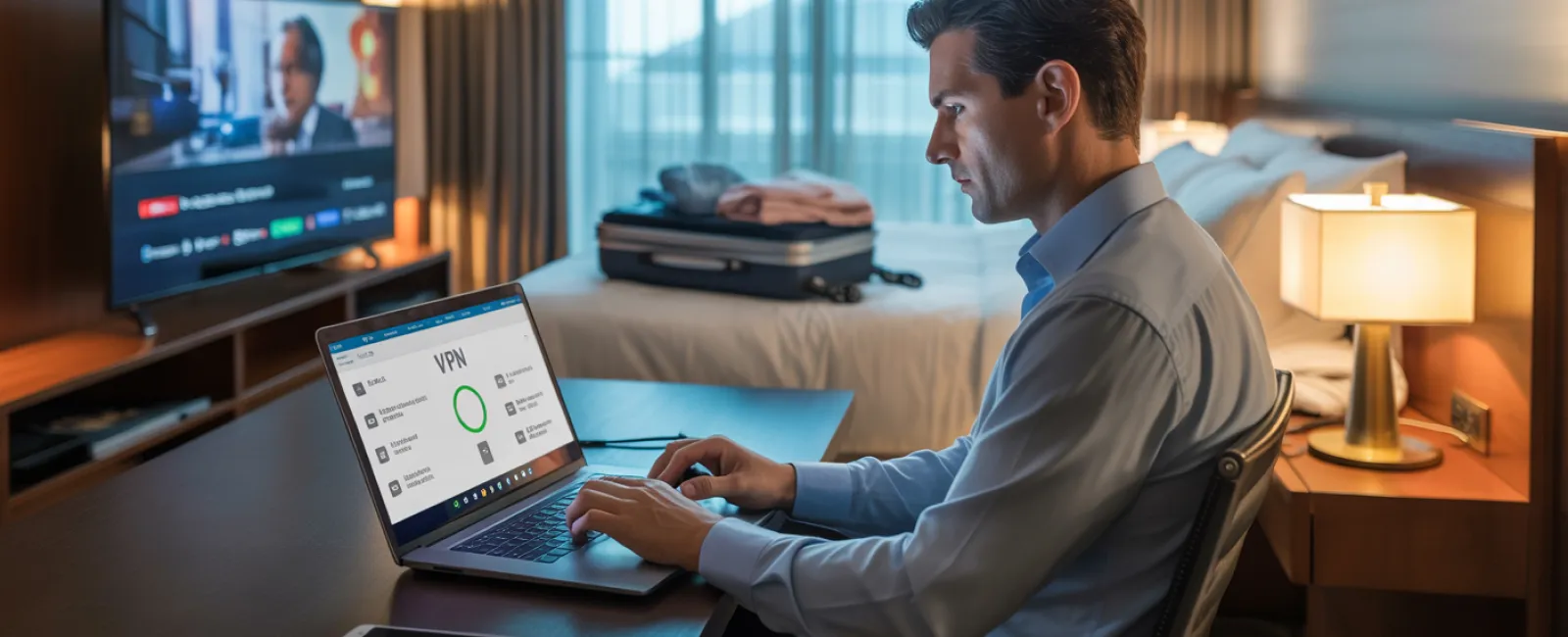
Use a VPN for work-related access, encrypting your communications for safety.
For sensitive activities like banking, switch to your phone's hotspot rather than public WiFi.
Separate work from entertainment: kids can stream cartoons on hotel WiFi, but access client files via your protected hotspot.
Managing the "Can I Use Your Laptop?" Dilemma
Your work laptop is a gateway to critical systems—emails, accounts, client data. Kids naturally want to play games, watch videos, or chat with friends, but this invites risks.
Why it matters: Accidental downloads, clicking pop-ups, password sharing, and failing to log out are common kid behaviors that aren't malicious but can compromise your device's security.
How to prevent problems:
Set clear boundaries by saying no to work devices: "This is for work only, but you can use [another device]." Consistency is key.
If sharing is unavoidable:
- Set up a limited-access user account
- Supervise their activity closely
- Block downloads and installations
- Avoid saving their passwords on your work device
- Clear browsing history immediately after use
Better yet: Bring a dedicated family device for travel, even an older tablet or laptop disconnected from your work systems.
Smart Streaming on Hotel TVs: Don't Forget to Log Out
Watching Netflix or other streaming services on a hotel smart TV is convenient—until you forget to log out at checkout.
Risk: The next guest could access your accounts. Even worse, if you reuse passwords elsewhere, they might exploit those as well.
How to avoid this:
- Use your own device to cast shows—much safer
- Set a reminder to log out of accounts on the TV before departure
- Download movies or shows in advance on personal devices to skip hotel TVs altogether
Never log into the following on public or hotel TVs:
- Banking applications
- Work email or company accounts
- Social media platforms
- Any account with saved payment information
Lost Device? Act Fast and Smart
Holiday travel is hectic; devices can easily be left behind in various places. If a device goes missing, act within the first hour:
- Use "Find My Device" to locate it immediately
- If retrieval fails, remotely lock or disable it
- Change passwords on critical accounts from another safe device
- Contact your IT or managed service provider to revoke company system access
- Notify clients or partners promptly if sensitive data was at risk
Equip your device before travel with:
- Enabled remote tracking
- Strong, unique passwords
- Automatic data encryption
- Remote wipe capabilities
If a family member loses their device, follow the same security protocol: lock it remotely, update passwords, track its location when possible.
Rental Car Bluetooth—Check Before You Return
Connecting your phone to a rental car's Bluetooth for music or navigation sounds easy, but the car may store your contacts, call logs, and even message previews—information accessible to the next driver.
Quick 30-second routine before dropping off the car:
- Remove your phone from the car's Bluetooth pairing list
- Clear GPS history of recent destinations
- Or simply use an aux cable or avoid Bluetooth connection altogether
Set Boundaries for "Working Vacations" to Protect Yourself
If you promised family time but find yourself checking emails dozens of times, taking unexpected work calls, or sneaking in hours on your laptop during activities, both family harmony and security suffer.
Flipping between work and relaxation increases the chance of mistakes like clicking on phishing links or trusting unsafe networks.
Manage this challenge with clear rules:
- Limit work email checks to two specific daily times
- Use a personal hotspot instead of hotel WiFi for work tasks
- Work inside your hotel room to prevent screen visibility in public
- Be fully engaged with your family when off-duty
The best security tip? Take real time off. Your business will be fine, and you'll handle security threats better when rested.
Adopt a Holiday Travel Security Mindset
Realistically, keeping work and family completely separate during the holidays is tough. Sometimes your child genuinely needs to use your laptop; sometimes urgent work emails demand attention. The objective isn't perfection—it's conscious control over risk.
- Prepare your devices thoroughly before departure
- Recognize high-risk activities (e.g., banking on public WiFi) versus safer alternatives (using mobile hotspots)
- Establish clear boundaries between work data and family use whenever possible
- Develop action plans in case of incidents
- Learn when to firmly say, "Not on this device," and uphold it
Make Your Holidays Fulfilling and Data-Secure
The holiday season is about cherishing loved ones—not battling a data breach or worrying about client trust. With a little preparation and easy-to-follow strategies, you can protect your business while preserving your family's joyful celebrations. Everyone wins when security meets simplicity.
Need expert advice on setting up travel security practices for yourself or your team? Click here or call us at (973) 575-4950 to schedule a free Consultation. We'll help you craft practical policies that keep your business safe without complicating your travel.
After all, the best holiday memories don't involve "Remember when Dad's laptop got hacked?"